
AI Agent Memory
Status: Alpha (AI Pro)
AI Agent Memory allows ChartHop's AI to retain context and learned preferences across conversations. Without memory, each chat session starts fresh. With memory enabled, the AI can remember facts, preferences, and context from prior interactions — making it progressively more useful over time.
AI Agent memory works on the default ChartHop AI agent as well as custom agents as part of the AI Pro package.
Enabling AI Agent Memory
- Navigate to Admin > AI
- Ensure AI Features is enabled
- In the AI Pro section, toggle on AI Agent Memory
- Click Save Settings
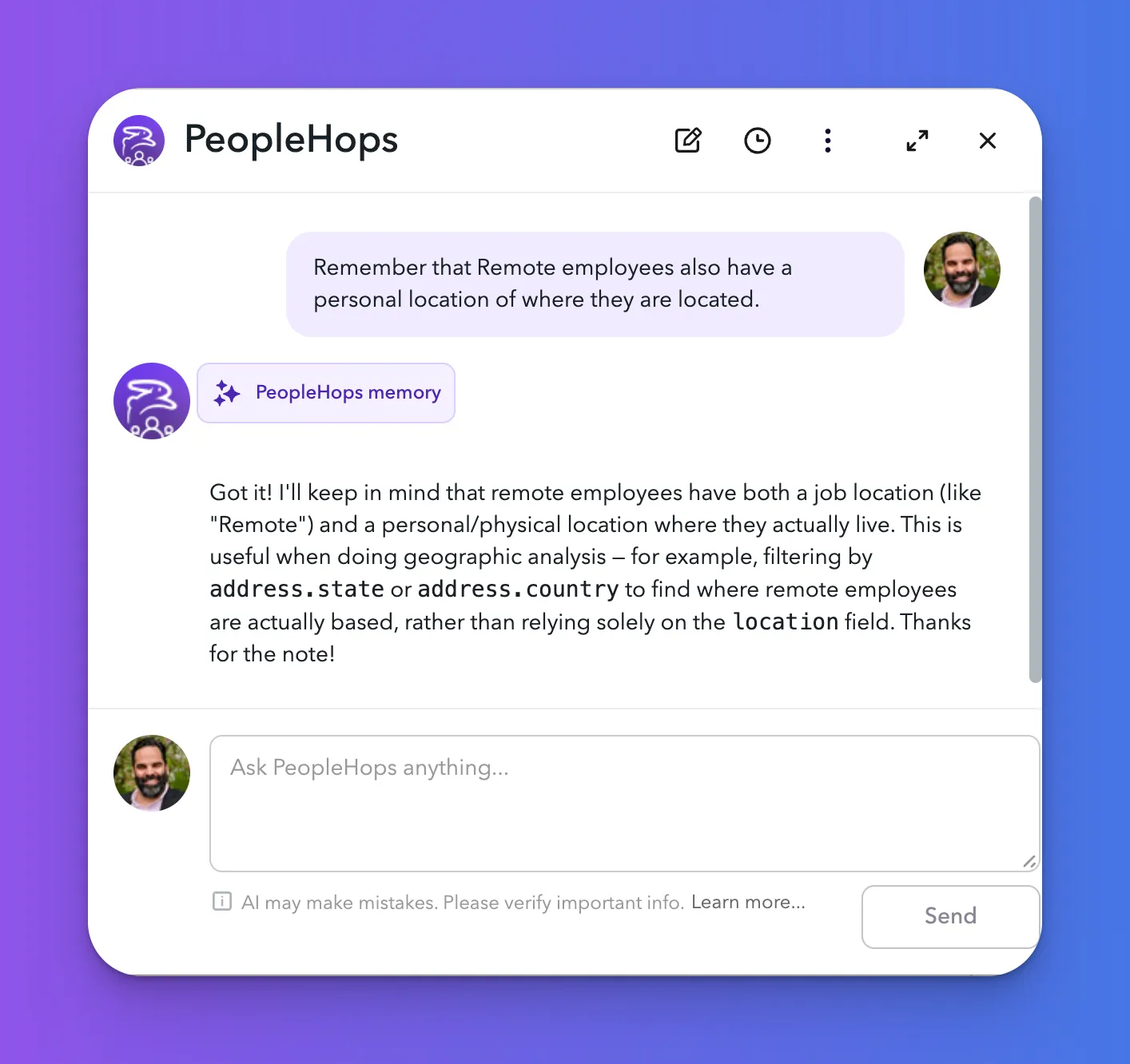
How It Works
When AI Agent Memory is enabled, the AI can store and recall information between sessions. This may include:
- Preferences expressed by a user during conversation (e.g., preferred report formats or filters)
- Context established in prior sessions that is relevant to a new question
- Organizational knowledge surfaced during previous interactions
Memories are scoped to the user and organization, and do not cross organizational boundaries.
Privacy Considerations
AI Agent Memory stores information tied to individual users and org-level context. Admins should review their organization's data handling policies before enabling this feature. Memory contents can be cleared at the user or org level as needed.