
Editing job codes
You can edit job codes directly in the job codes table in your ChartHop organization.
Be aware that changing the name or the code of a job code can result in disruptions to the data syncs in the remote systems that rely on them.
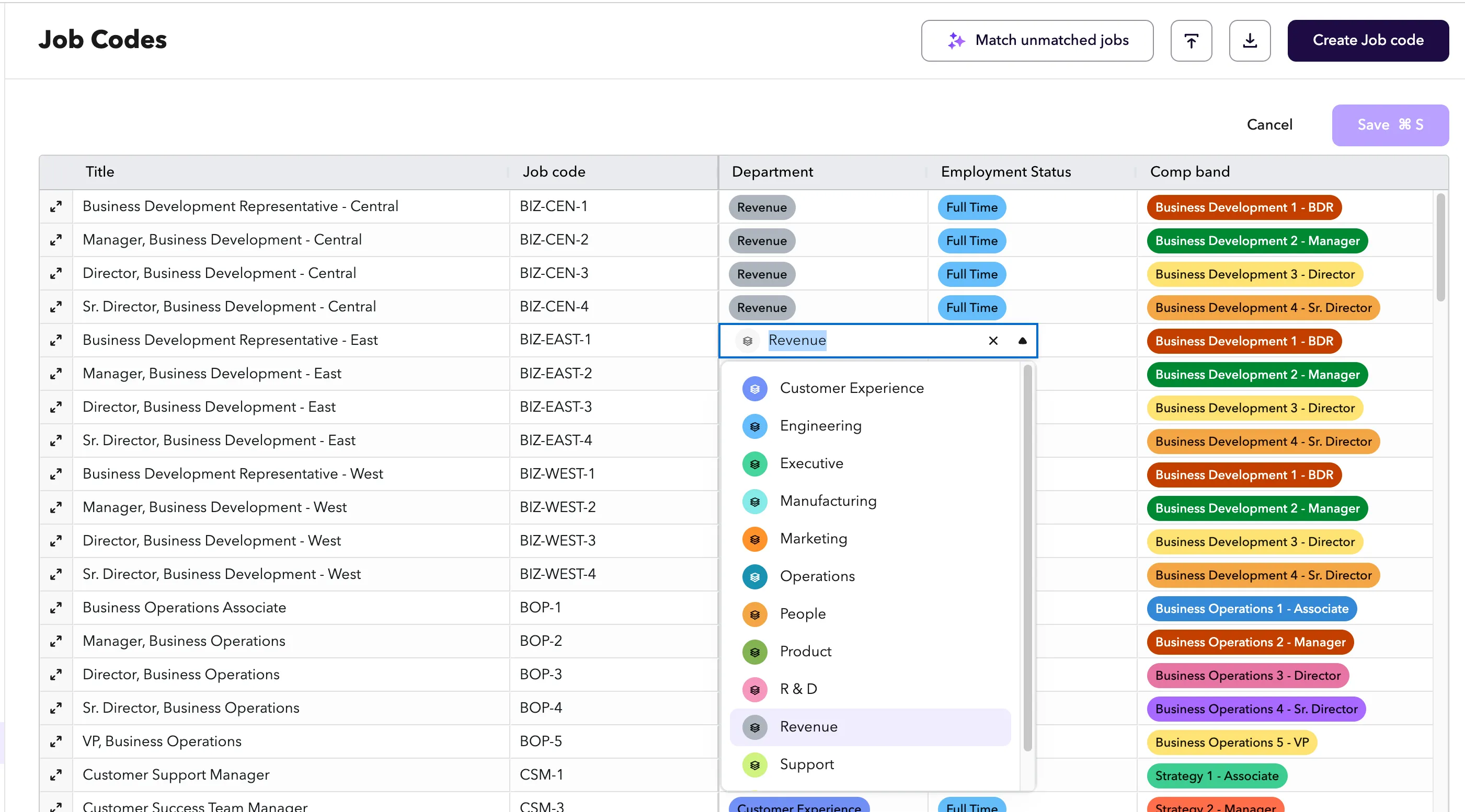
To edit a job code:
- From the Data Model option in the left navigation bar, select Job Codes.
- Click into any field in the table to edit it inline.
- When you are done making changes, select Save at the top of the table.
Modules: HRIS | Engagement | Goals | Performance | Compensation Reviews | Headcount Planning
Related articles
- Job matching for payroll syncs - Understand why code values matter for payroll and ATS syncs before renaming or changing them.