Managing tasks
Tasks in ChartHop help you track whether an employee has taken a specific action or not such as completing a form or submitting an approval.
Tasks are generated by Reviews, Actions, Compensation Reviews or Scenario Approvals.
Users with the Owner, Technical owner, or task:read and task:delete permissions can use the Tasks page to manage all of the Tasks in your account.
To access the Tasks page:
- From the left sidebar, select People Ops Tools.
- From the sub-menu, select Tasks.
On this page, you can:
- View & Filter Tasks
- Delete Tasks
- Send Reminders for Incomplete Tasks

View and Filter Tasks
View tasks
- Clicking the name of the task will redirect you to the associated form or scenario
- Clicking the column headers will sort the list of tasks
Filter tasks
Select one of the filters above the table to refine your list

By Status
Status | Description |
|---|---|
All | All of the below statuses |
Pending | The action requested by the task has not yet been completed |
Done | The action requested by the task has been completed |
Skipped | The task has been skipped and therefore will not be completed. |
Expired | The task was not completed, and no longer can be completed because of time limits or action taken by an admin For example, the compensation review has closed. |
By who the task is "Assigned to"
This is the person who is responsible for completing the task.
For example, if David needs to fill out a peer review for Sherry then David would be listed here.
Filter by who the task is "Assigned for"
This is the person who the task is about.
For example, if David needs to fill out a peer review for Sherry then Sherry would be listed here.
This will be blank if the task is not for a specific person.
Reassign Tasks
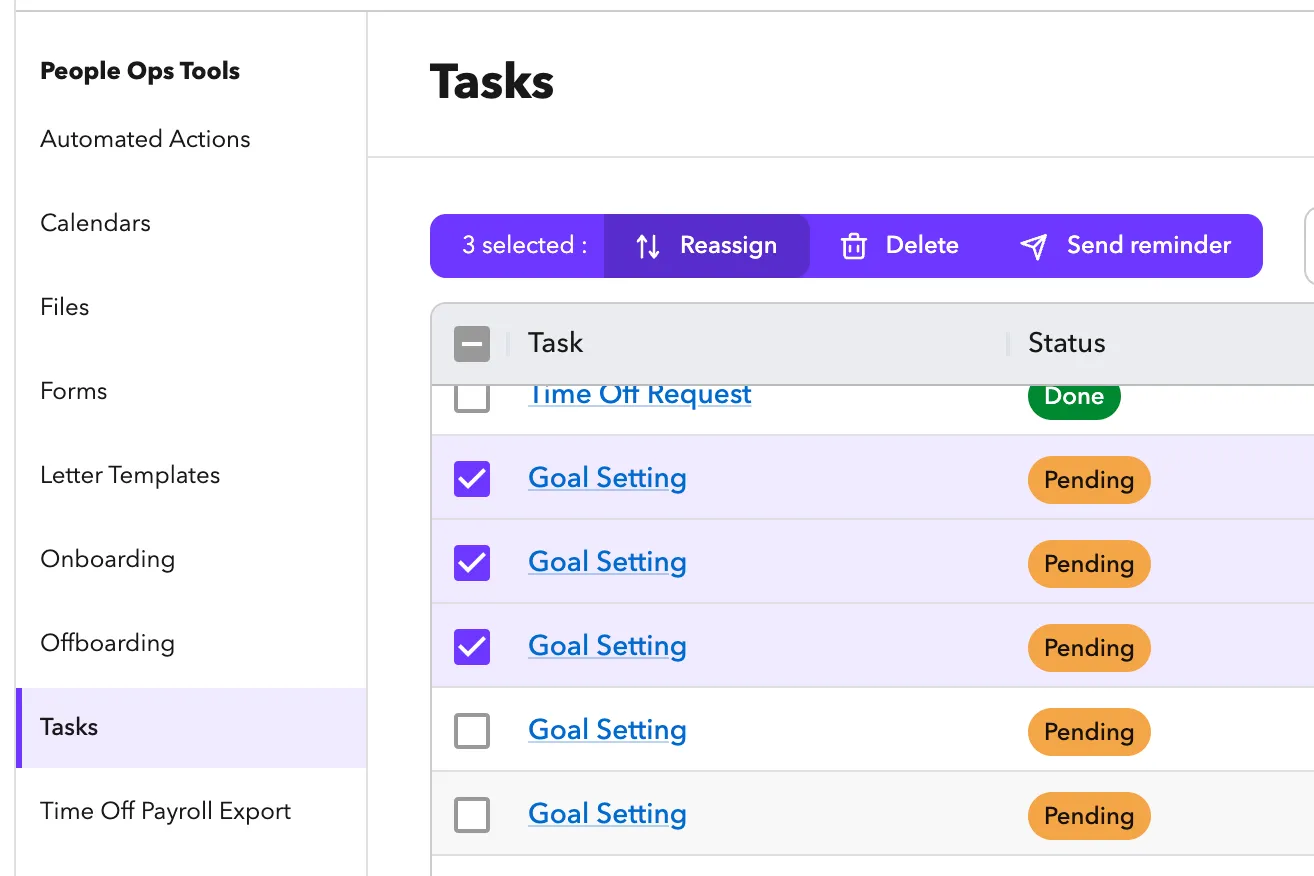
If you have a task that needs to be completed by for example, a new manager, you can reassign it to any users.
Only certainly tasks can be reassigned:
The tasks must be Pending and one of the following types:
- Submit Form
- Time off approval
- Signatures - The signature request will be updated with the new person
Notably not supported are:
- Form response approvals
- Form response resubmissions (after changes are requested)
- Scenario approvals
- Comp review approvals.
Delete Tasks
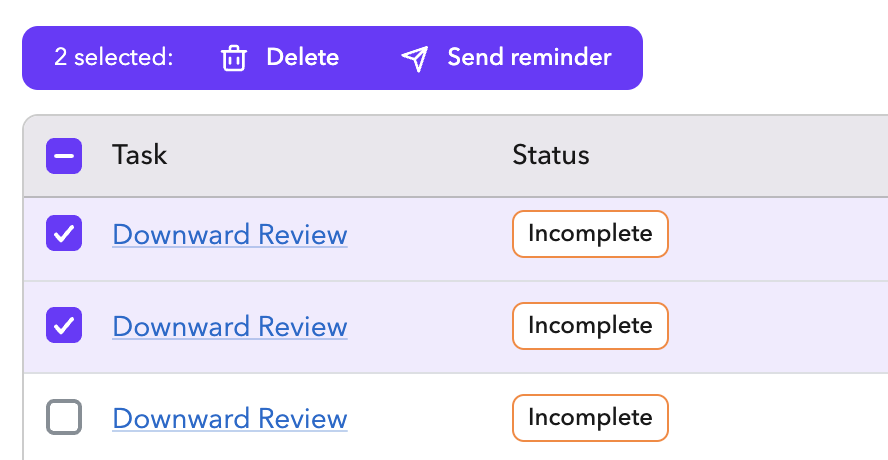
- Select the checkmarks on the left side of the page to select tasks that you want to delete.
- Click the Delete action at the option at the top of the page
- Confirm that you want to delete the tasks.
Send reminders for incomplete tasks
- Select the checkmarks on the left side of the page to select taks that you want to send reminders for. Note: you cannot send reminders for tasks that are Complete.
- Click the Send reminder action at the option at the top of the page
- Add in a custom message to include with the reminder.
- Click “Send Reminder” to send.