
Example Templates
Below is a collection of sample templates you can use for your organization. To use them, create a new template, copy the code examples from the editors below, and add them to your new empty template.
Adding stylings
You can add content using HTML or Markdown, as well as add styling to your templates using CSS. Templates can use both traditional CSS as well as an alternative form of CSS called Page Media CSS. Learn more.
Welcome letter
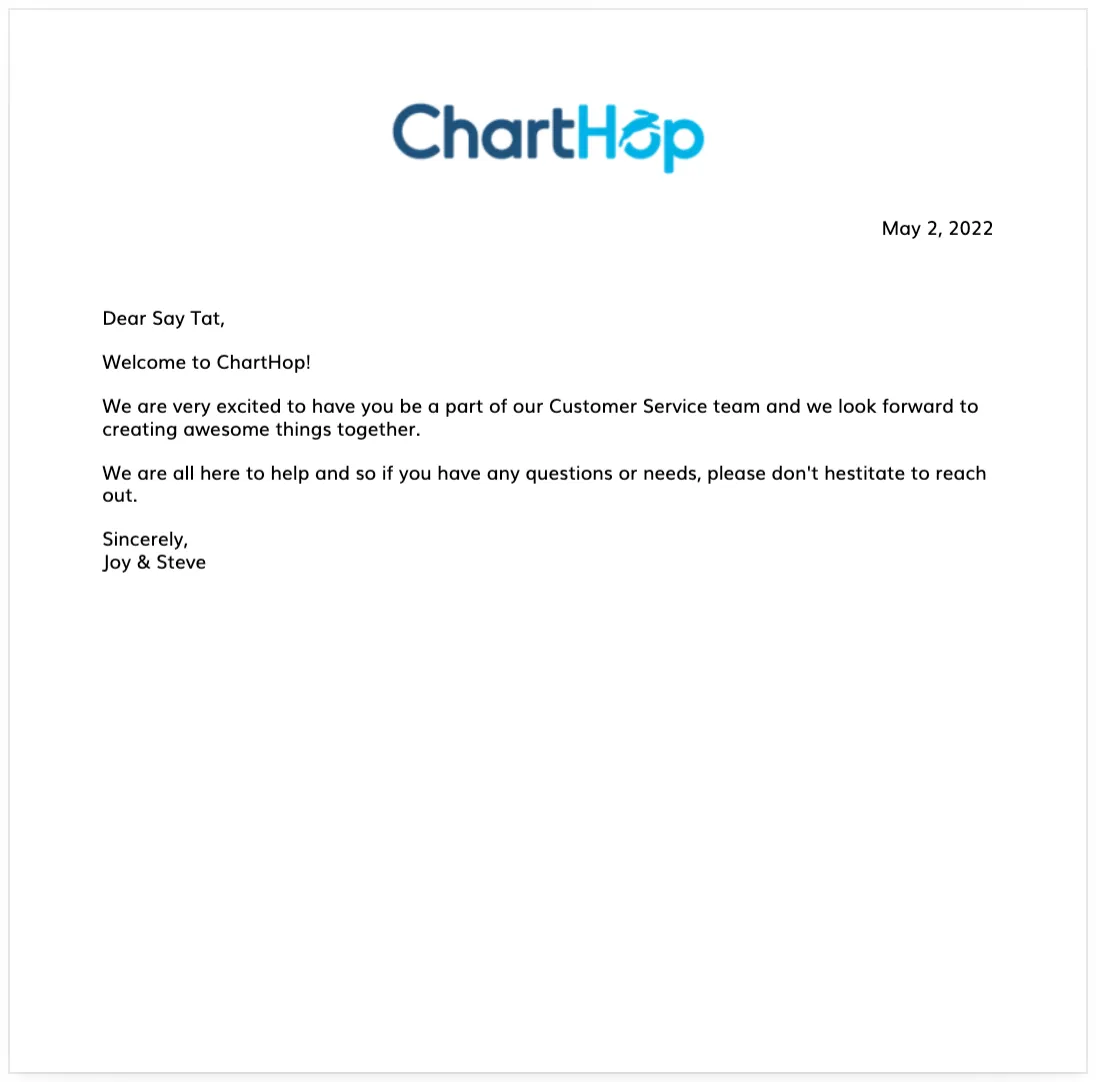
Welcome letter template
Content
<img class="headerLogo" src="https://media.charthop.com/org/5a6a3d6eaa13f16472b9a35c/2022/02/04/61fd7dd32488b857fee89555ndnxnx2tscxko6zq8yhyfivv4yilnu5g.png">
<div class="right" style="padding-bottom:50px">
{{formatDate(date, "MMMM d, yyyy")}}
</div>
Dear {{name}},
Welcome to {{org.name}}!
We are very excited to have you be a part of our {{department}} team and we look forward to creating awesome things together.
We are all here to help and so if you have any questions or needs, please don't hestitate to reach out.
Sincerely,
Joy & Steve
<div id="addressContainer">
<div id="line"></div>
<div id="address">
Your Org, Inc.
<br />
8 The Green, Suite # 8377
<br />
Dover, DE 19901
<br />
</div>
</div>Styling
body {
  font-family: muliregular;
  font-size: 14px;
  margin: 0 20px;
}

.headerLogo {
  display:block;
  margin: 0 auto 20px auto;
  width: 250px;
}

#line {
  border-top: 1px solid #cccccc;
  padding-bottom: 20px;
}

.right {
  text-align: right;
}

#addressContainer {
  width: 700px;
  position: fixed;
  bottom: -120px;
  height: 200px;
  text-align: right;
  right: 0;
}

#address {
  position: fixed;
  right: 0;
  color: #2e5d84;
  width: 200px;
  font-weight: 700;
}
Information table
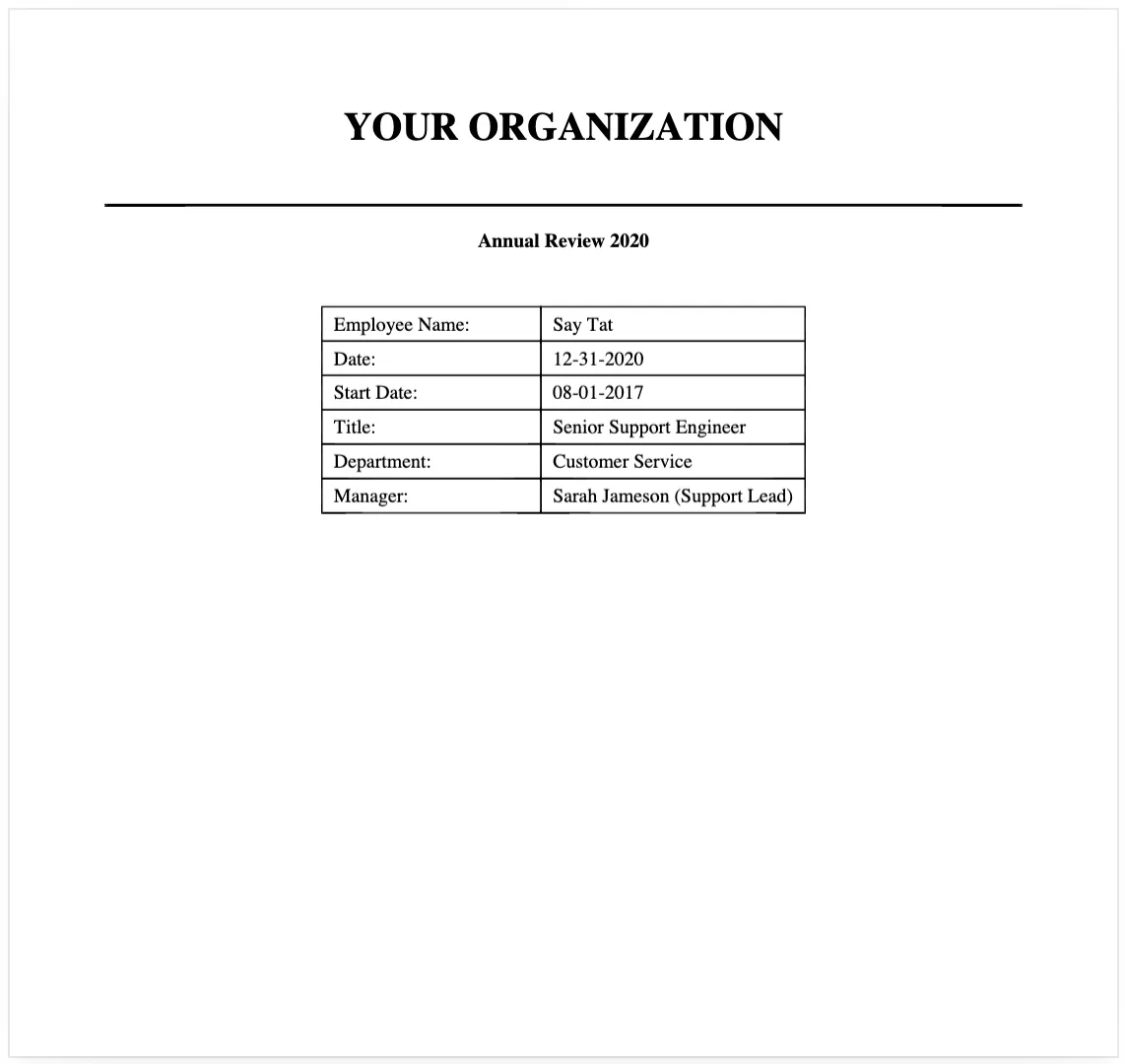
Table example
Content
# Your Organization

<hr style="margin-top: 40px; border-width: 2px;" />

### Annual Review 2020

<table id="summary">
<tr>
<td>Employee Name:</td>
<td>{{name}}</td>
</tr>
<tr>
<td>Date:</td>
<td>12-31-2020</td>
</tr>
<tr>
<td>Start Date:</td>
<td>{{formatDate(personStartDate, "MM-dd-yyyy")}}</td>
</tr>
<tr>
<td>Title:</td>
<td>{{title}}</td>
</tr>
<tr>
<td>Department:</td>
<td>{{department}}</td>
</tr>
<tr>
<td>Manager:</td>
<td>{{manager}}</td>
</tr>
</table>
Styling
body {
  font-family: Courier New, sans-serif;
}

hr {
  border-top: 1px;
}

h1 {
  text-transform: uppercase;
  text-align: center;
 font-family: Georgia;
}

h2 {
  font-size: 16px;
  page-break-before: always;
  text-align: center;
}

h3 {
  font-size: 16px;
  margin-top: 40px;
}

h4 {
  text-align: center;
}

table {
  border-collapse: collapse;
  border: 0px;
}

#summary td, #comp th, #comp td {
  padding: 4px;
  border: 1px solid black;
}

#summary, #comp {
  margin: 40px auto;
}

#summary td {
  padding: 4px 8px;
  min-width: 140px;
  text-align: left;
}

@page:right{
  @bottom-center {
    content: counter(page) " of " counter(pages);
  }
}

body {
  font-family: muliregular;
  font-size: 14px;
  margin: 0 20px;
}

.headerLogo {
  display:block;
  margin: 0 auto 50px auto;
  width: 250px;
}