Ashby Integration
This feature is currently in Beta.
We're really excited about it and it's already being used by multiple organizations.
Try it out and send feedback to the ChartHop team or directly to [email protected].
How to setup a Beta Feature
- From the left sidebar, select Admin, then select Labs.
- Use the switch to toggle on the feature, then press the Save settings button.
- Read below for additional setup instructions and context about what will be activated when you save settings.
The Ashby integration is a two-way sync that allows for the following:
- Outbound — ChartHop to Ashby — Open Job ➡️ OpeningOpen Job ➡️ Opening
- ChartHop must be the source of truth for Open Jobs
- Inbound — Ashby to ChartHop — Offer + Hired Candidate ➡️ Person in Filled JobOffer + Hired Candidate ➡️ Person in Filled Job
The Ashby integration is developed by the Ashby team. You can view additional documentation from them: here.
Setup & API Keys
This integration uses two API keys — one for each direction of the sync. During setup, you'll be asked to provide both.
ChartHop → Ashby API Key (generated by Ashby)
Ashby's setup flow will ask you to paste an API key into ChartHop. This key is generated in Ashby and authorizes ChartHop to connect to your Ashby account.
To generate this key:
- Go to app.ashbyhq.com/admin/api/keys in Ashby.
- Create a new API key and copy it.
- Paste it into the field shown during the ChartHop integration setup.
- Continue following the remaining steps in Ashby's setup documentation.
Ashby → ChartHop API Key (generated by ChartHop)
ChartHop also generates its own API key, which Ashby uses to push data back to ChartHop (e.g., hired candidates). This key is generated automatically by ChartHop during the installation flow and is provided to Ashby as part of the setup.
ChartHop's ability to connect directly to Ashby via AI is a newer, experimental capability. If you run into any issues, please contact support.
Sync an Open Job in ChartHop to an Opening in Ashby
- Mark the hiring Recruiting Status as Active in ChartHop
- Wait for the open to sync to Ashby (The sync runs every 5 minutes)
- Look for the Job in the list of Openings in Ashby: app.ashbyhq.com/openings
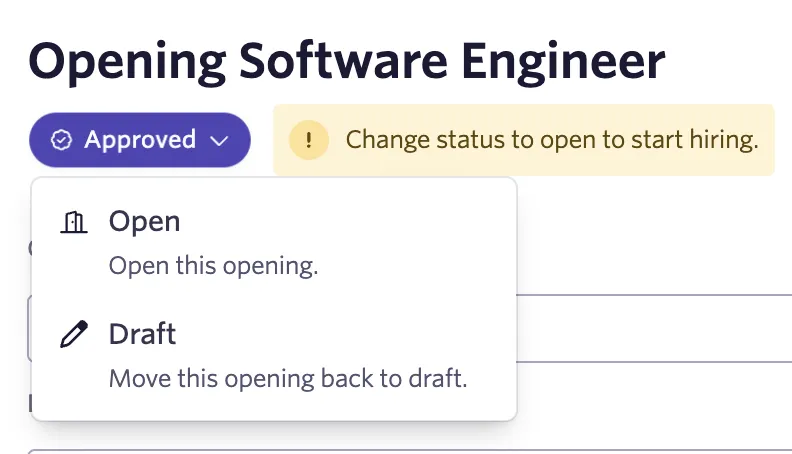
- The job will be imported with a status of Approved — move it to Open to start hiring.
Sync an Offer in Ashby to a Person in ChartHop
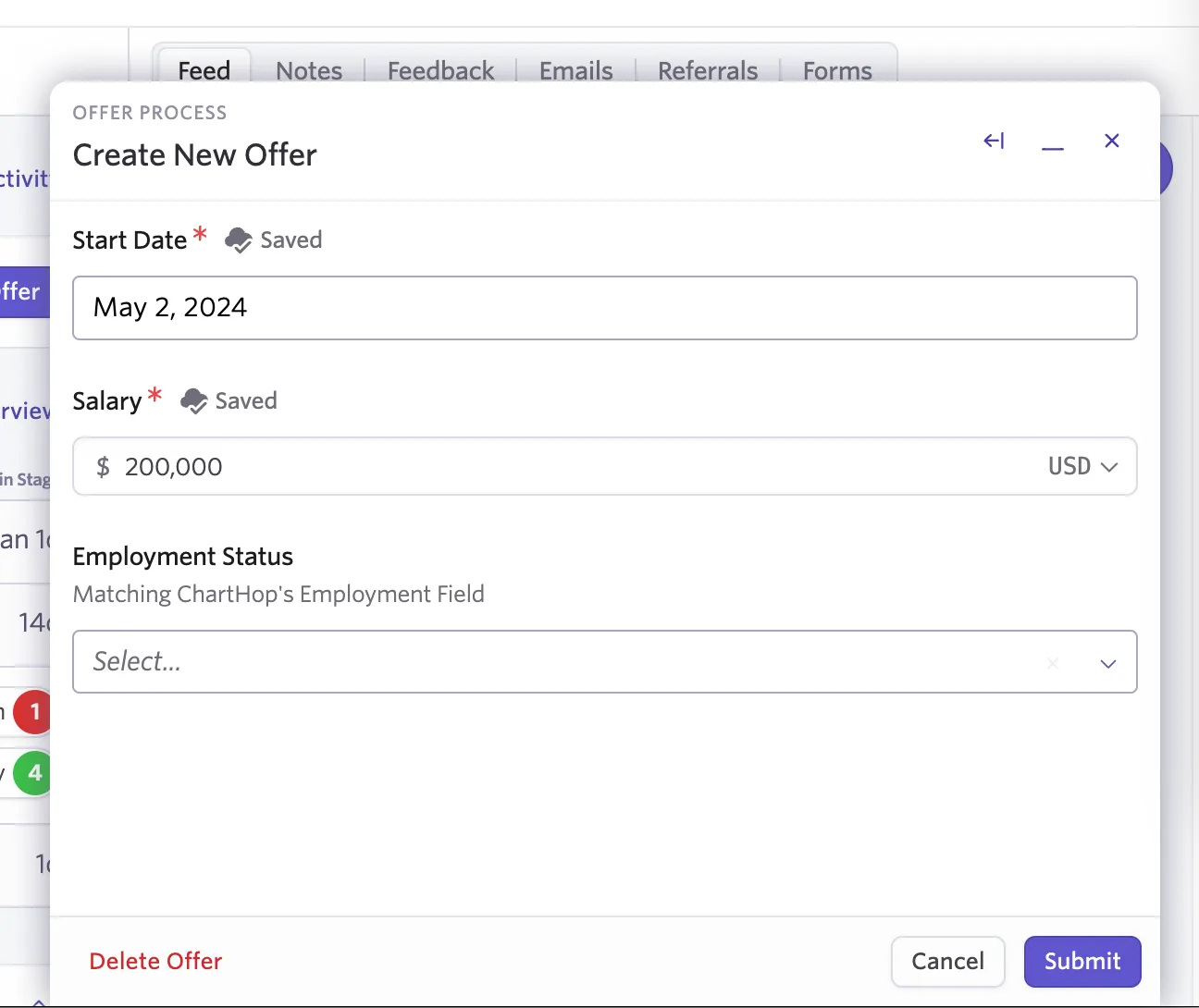
- When creating the offer, add relevant fields that will be mapped to ChartHop.
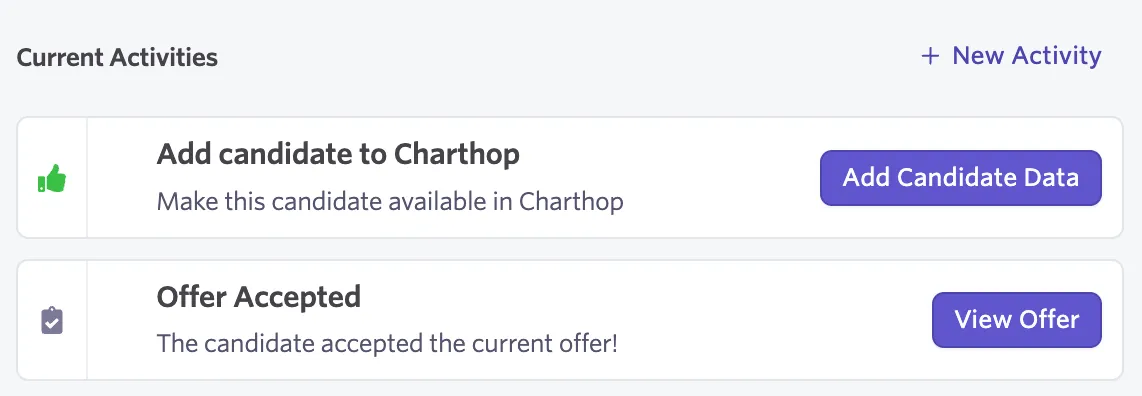
- After the candidate has accepted the offer and been marked as Hired in Ashby, they can be pushed to ChartHop from Ashby.
- Wait for the sync from Ashby (The sync runs every 5 minutes)
- View the new hire in ChartHop.
Syncing details & setup
- The sync will run every 5 minutes or whenever you push the sync button
- If you want to manually initiate the sync, press the sync button in Ashby. Running the App in ChartHop will not sync the app.
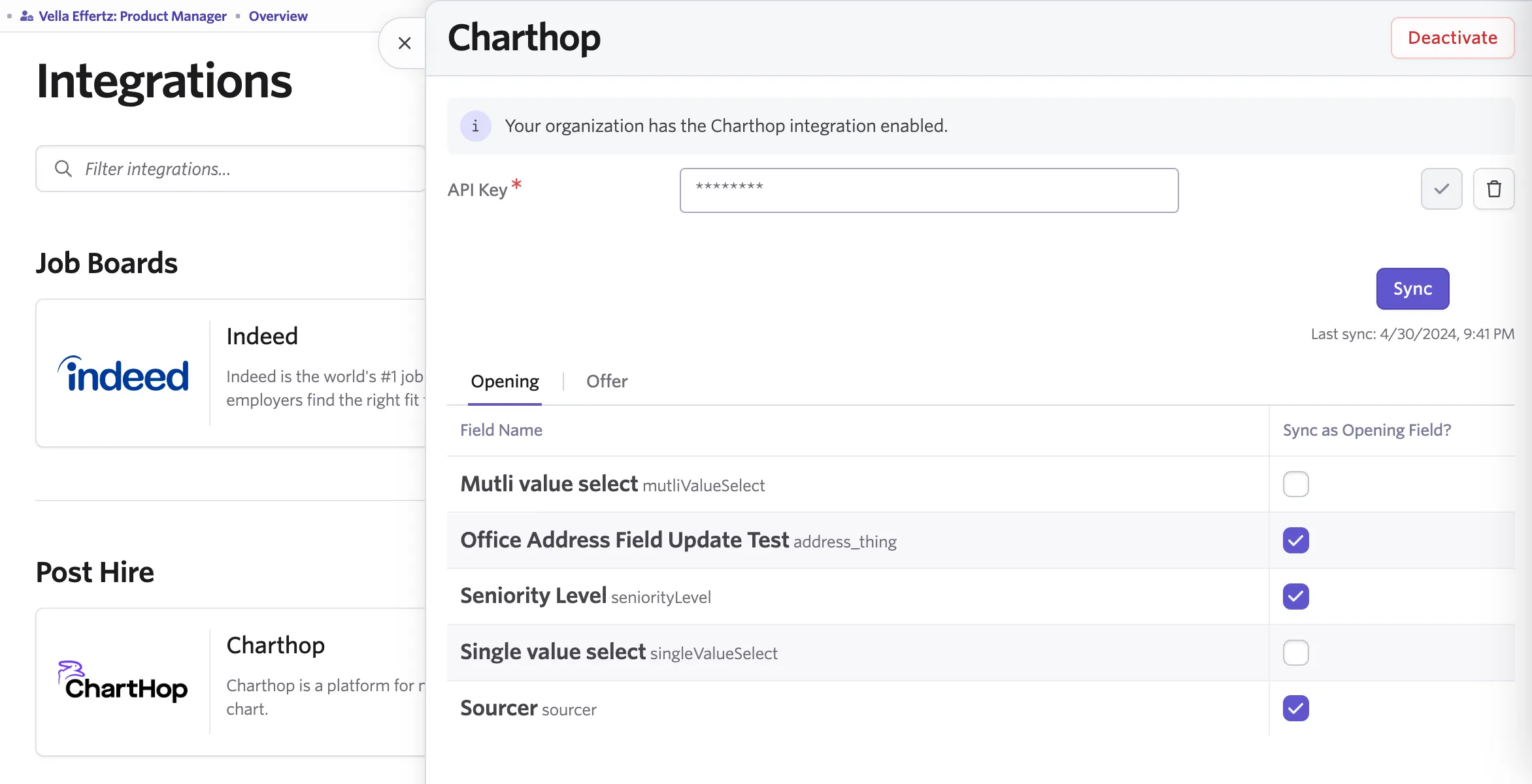
- The Ashby integration can pull any field from ChartHop and will automatically create new fields in Ashby. Simply mark the Checkbox to sync the field.
- Only Custom fields in ChartHop can be synced.